
// PLATFORM · INTRANET & EXTRANET
One portal.
Everyone connected ,
internal and external.
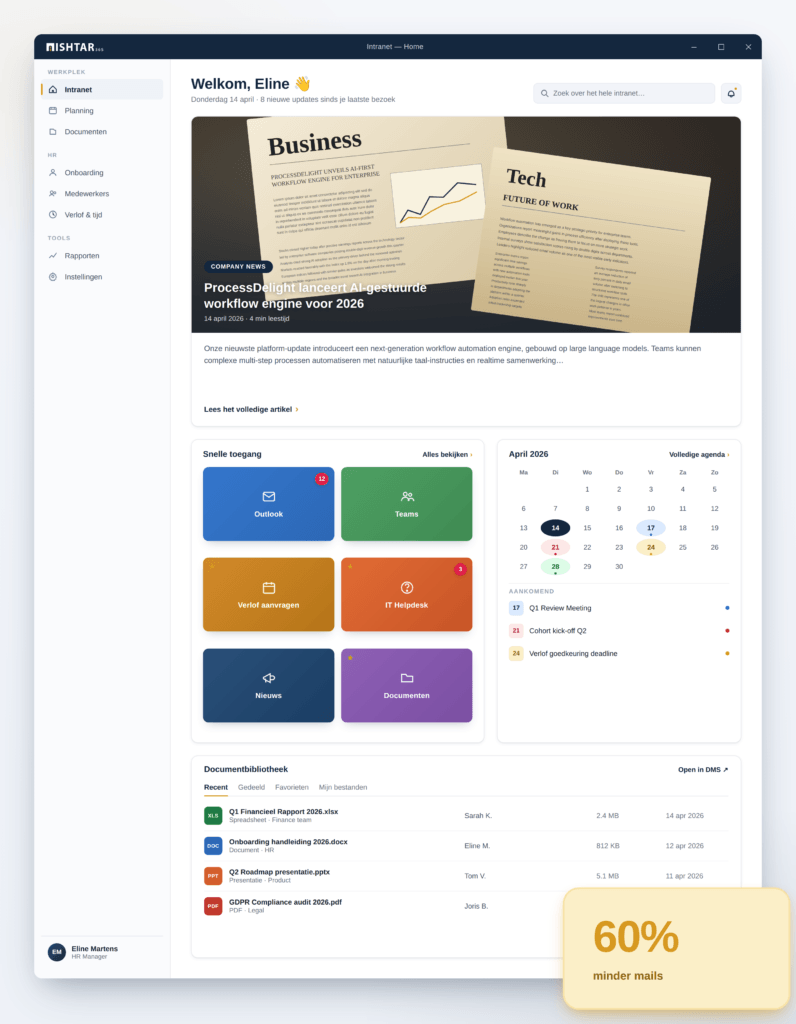
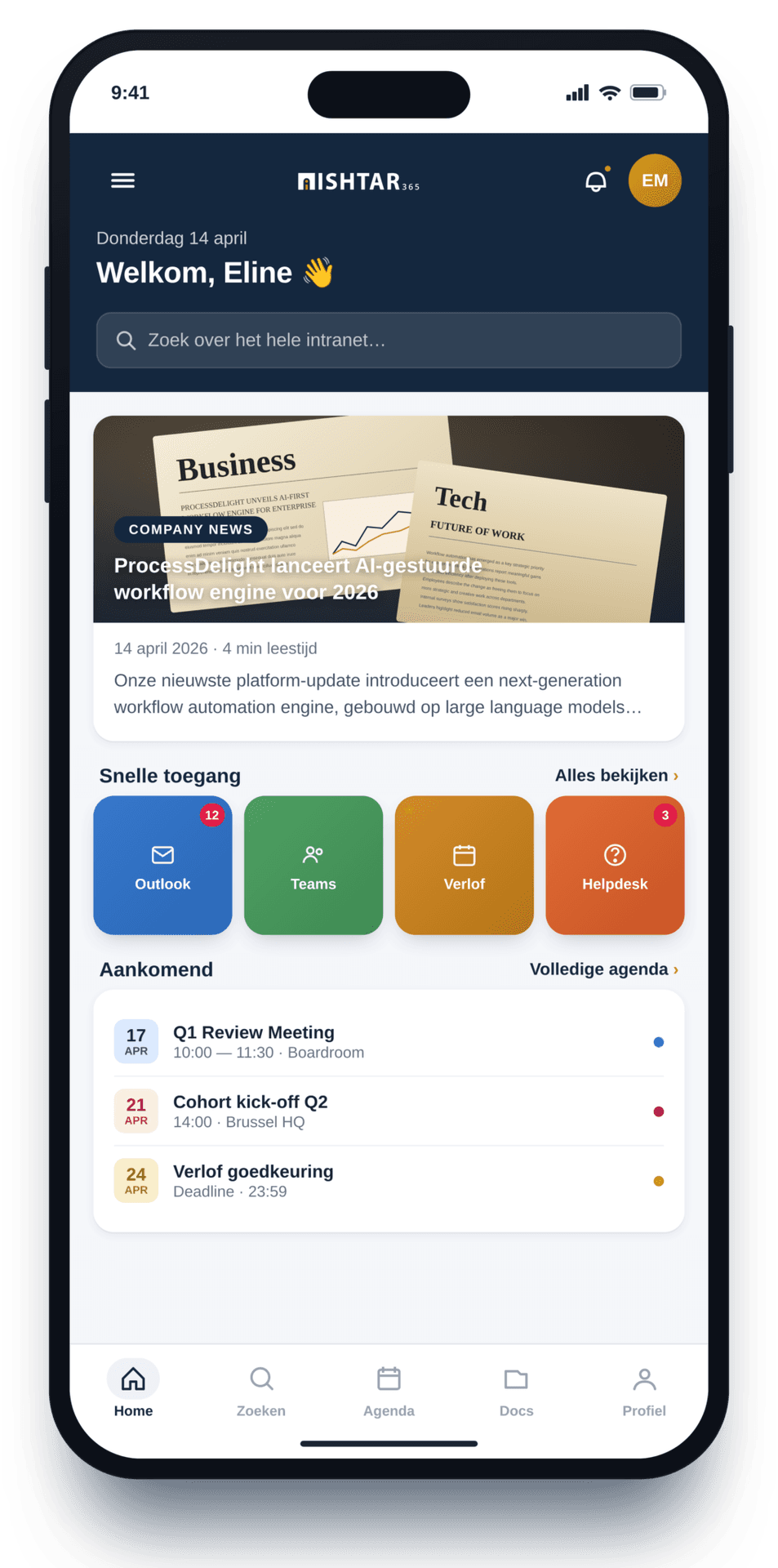
Build your own internal or external company portal — or combine both. Bring news, documents, tasks and interaction together in one place where every employee, customer or partner feels at home.






Updates via e-mail.
Documents in SharePoint.
Questions via Teams.
And no one knows where to look any more.
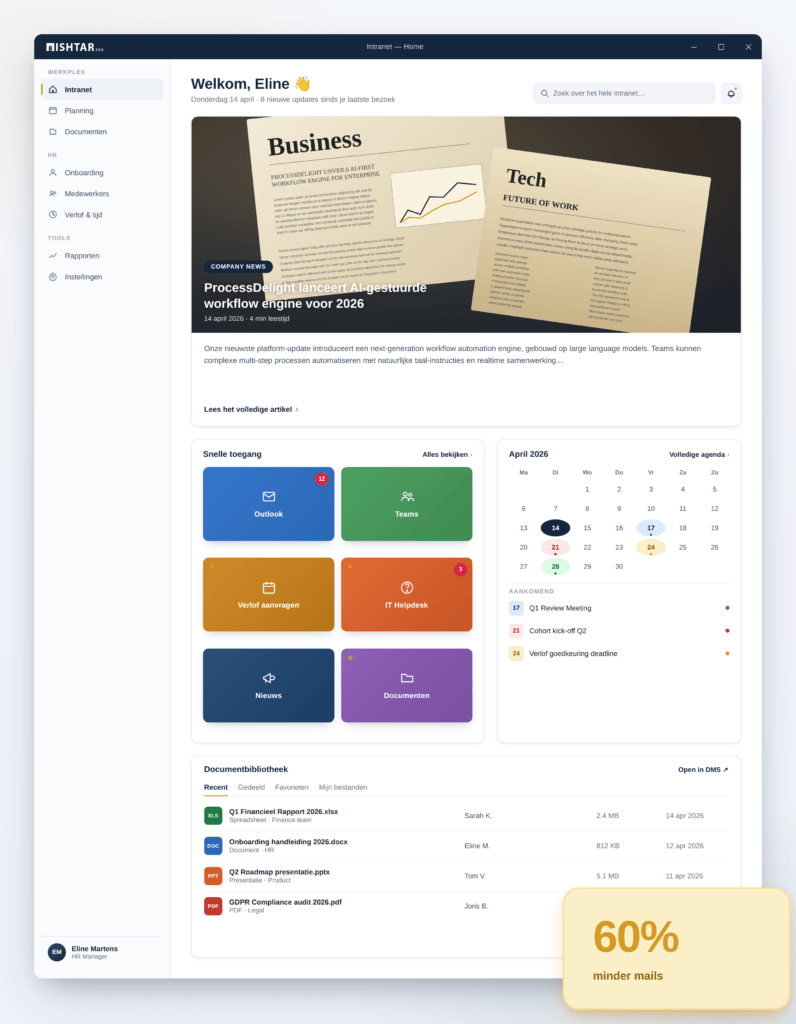
With one central portal you bring information, documents and interaction together.
// TWO SOULS, ONE PLATFORM
One tool for internal and external communication.
Build an intranet for your employees, an extranet for your partners and customers — or both combined in one portal with separate access rights.
For your own people.
One place for news, documents, tasks and forms. Accessible to white and blue collar employees — even without a Microsoft account.
- Central company communication
- Targeted updates per department or role
- Document library with SharePoint backend
- Login without a Microsoft account possible
For customers & partners.
A secure portal where external stakeholders can consult documents, submit requests and stay informed about what's relevant to them.
- Secure login via Microsoft B2C (e-mail + password)
- Access only to relevant content per partner
- Own branding per stakeholder group possible
- Seamless link with your internal processes
// FULL DESIGN CONTROL
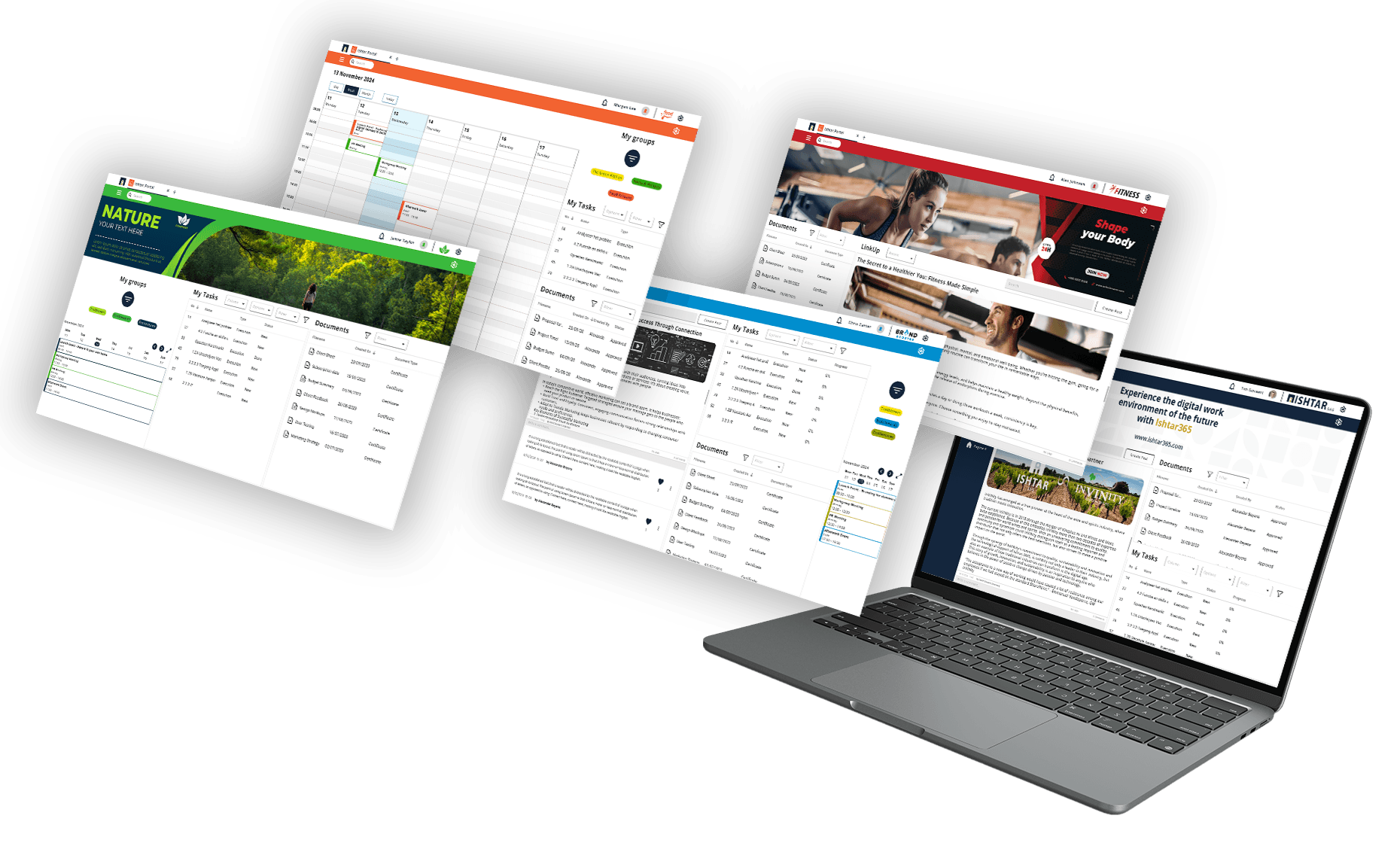
Your look. Your brand. Your portal.
"Standard intranet tools feel like generic software. No one identifies with grey pages."
- ✓Personalise with your logo, colours and corporate identity
- ✓Build with integrated webparts or add your own HTML
- ✓Different branding per portal or target group
- ✓Define the structure yourself — updates, events, training, documents
- ✓No developer needed — drag, drop, done
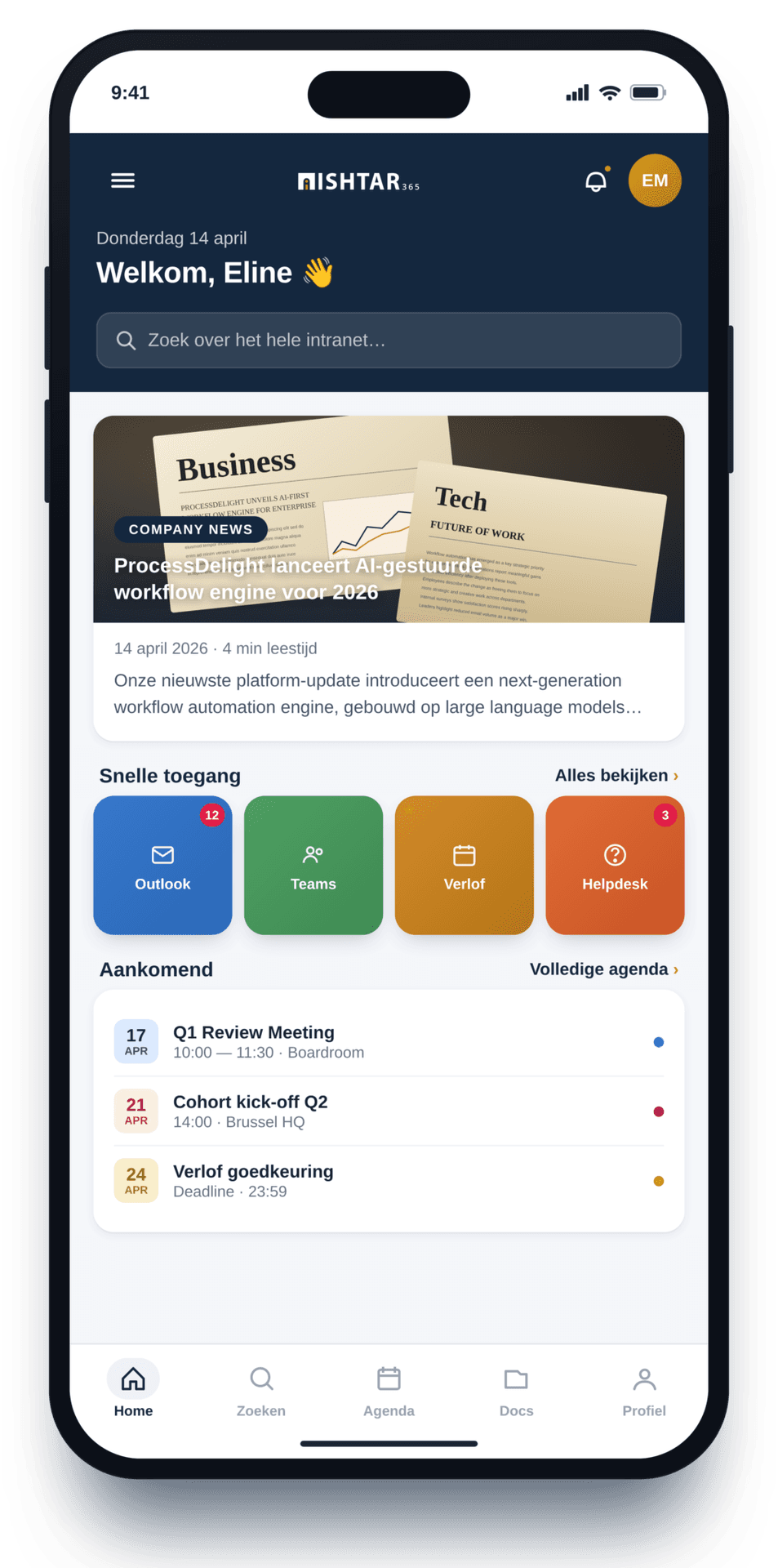
// TARGETED COMMUNICATION
Reach the right people — not everyone.
"Mass e-mails are ignored. Important updates get lost in the noise."
- ✓Targeted messages per role, department or interest
- ✓Separate feeds for internal, external and blue collar
- ✓Categorise, like, react and save
- ✓Notifications the user personalises themselves
- ✓Advanced sorting and search functions
// WHAT’S INSIDE
Nine building blocks for your portal.
Combine as you wish. Every block is plug-and-play, configurable without code, and talks seamlessly with the rest of your Ishtar365 environment.
Branding & Design
Personalise your portal with your logo, corporate identity and colours. Add HTML components for more control.
SharePoint document management
Metadata-driven documents with live collaboration, alerts and approval flows.
Events calendar
Upcoming events per interest group. Outlook link with accept or decline.
Training calendar
A central place for training dates. Register and manage in one click.
Access & rights
Internal users via Active Directory. External users via Microsoft B2C with e-mail + password.
Smart navigation
Clear menu structure, customisable per user. Straight to what matters.
Updates & feed
Categorise, like, react and save messages. Communicate with the right audience.
Notifications
Set alerts per user. No one misses an important update.
Task management
Create, assign, set deadlines and monitor progress on tasks — all in one place.
// CUSTOMERS ABOUT THEIR PORTAL
They're already connecting their people.
The implementation went particularly smoothly, ready within two days. Managing the portal is a no-brainer thanks to the no-code principle.
Our people now have access to their documentation from anywhere, which makes things very easy for our representatives on the road.
By working digitally and more efficiently, we can do more with the resources we receive. Every euro we save on admin is an extra euro for education.
Design your organisation's portal.
Personalised communication, effortlessly built with our building blocks and flexible configuration. No IT development needed.
Everything you want to know about your portal.
What's the difference between an intranet and an extranet?
An intranet is for your own employees — for internal communication, documents and tasks. An extranet is for external stakeholders such as customers or partners, with limited access to what is relevant to them. With Ishtar365 you can build either separately or combine both in one portal with separate access rights.
Does every user need a Microsoft account?
No. Internal employees log in via Active Directory, external users via Microsoft B2C with just e-mail and password. Blue collar employees or staff without a Microsoft account also get access to the intranet.
Can I design the portal in our own corporate identity?
Yes. You personalise your portal with your own logo, colours and corporate identity. You can set different branding per portal or target group, and add your own HTML components for extra control.
How do I send communication targeted at the right people?
Messages can be published per role, department or interest. Users get separate feeds for internal, external or blue collar, and can configure themselves which notifications they want to receive.
Does it work with SharePoint and Outlook?
Yes. Documents are managed via a SharePoint backend with metadata, live collaboration and approval flows. Events link directly with Outlook so users can accept or decline with one click.
Do I need an IT developer to build the portal?
No. The portal works on a no-code principle: drag-and-drop, with configurable building blocks for design, documents, events, training, access, navigation, updates, notifications and tasks.
How quickly can I go live with a portal?
Fast. Customers like MAN Belgium were up and running within two days. The lead time depends on the number of building blocks and the branding required, but the no-code principle significantly speeds up every implementation.
Stay up to date.
Sign up for our newsletter and receive the latest insights and updates on future-proof working straight to your inbox.