
Using Teams as a DMS: Not a Good Idea!

Do you know what exactly happens when you delete a team?
When deleting a Team in Microsoft Teams, all associated files, chats and channels disappear too, which can lead to irreversible loss of important documents and information. A well-managed DMS prevents such risks by providing a robust document management structure, keeping confidential information always protected and accessible to the right people.
Teams is an excellent collaboration tool, but using it as a Document Management System (DMS) can be problematic for your organisation in the long term. A dedicated DMS, such as Ishtar.DMS, offers better security and efficiency by using advanced metadata and rights management.
How does deleting a team work?
Deletion of the team:
When you delete a team in Microsoft Teams, the underlying Office 365 group is also deleted. This group encompasses various components such as the SharePoint site, OneNote notebook and all associated documents and files.
Deletion of documents:
The files stored in Teams are kept in the SharePoint site linked to that team. If the team is deleted, the SharePoint site and therefore the documents and files are deleted.
Recovery period:
There is a limited time in which you can restore a deleted team and its associated documents. This is usually 30 days. During this period, you can restore deleted items via the Office 365 or SharePoint admin portals.
Permanently deleted:
After the 30-day recovery period, the documents and team are permanently deleted and can no longer be retrieved.


Why can this be problematic?
- Unintentional loss of documents: Accidentally deleting a team can lead to permanent loss of important documents.
- Complexity of recovery: The process of restoring a team and associated documents can be complex and requires administrative access and knowledge of the Office 365 admin portals.
- Risk to business continuity: The loss of documents can have a significant impact on business processes, especially if these documents are crucial for daily activities or compliance purposes.
Make use of an advanced DMS solution.
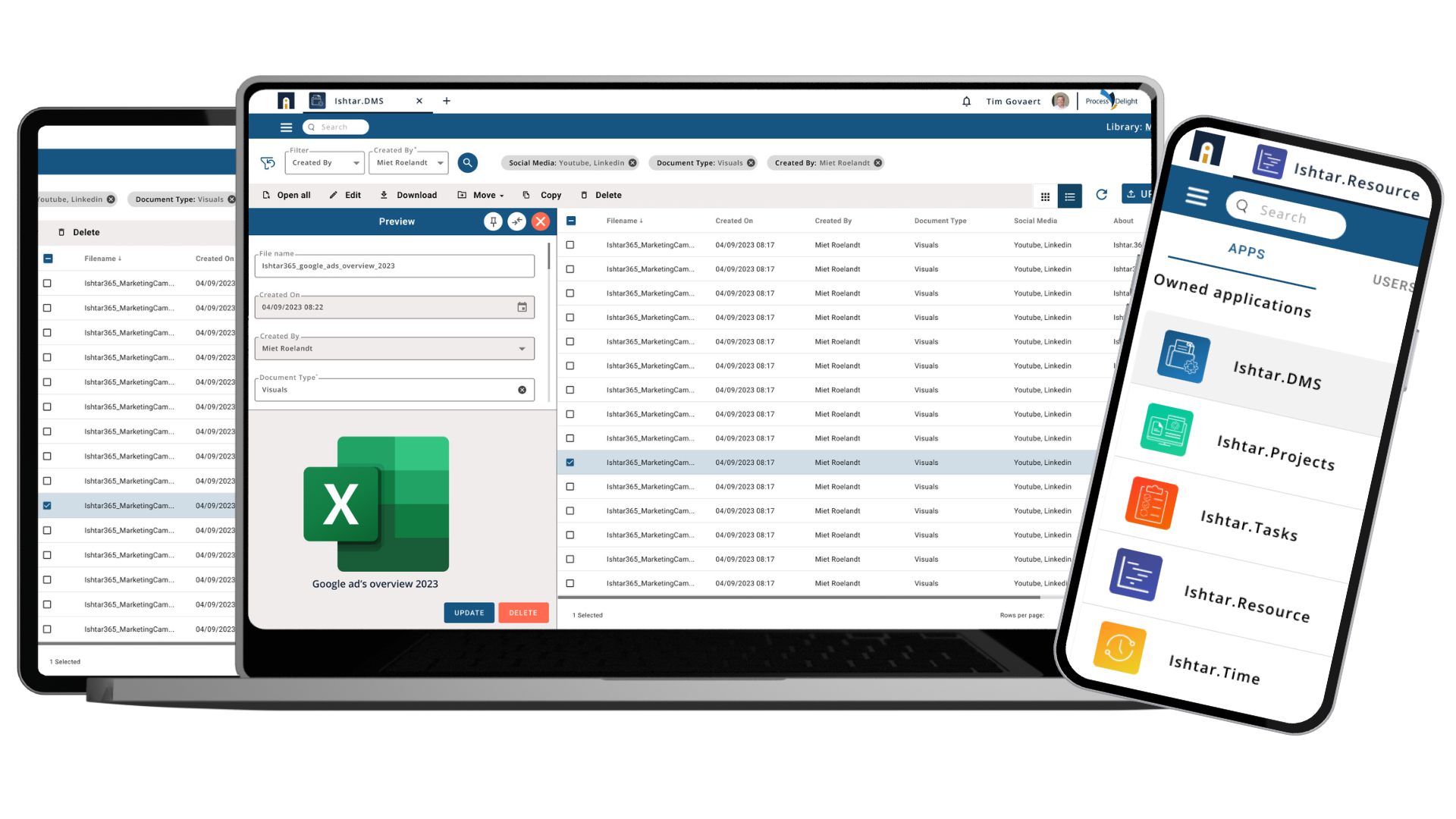
Ishtar.DMS will prevent documents from being lost. Documents stored in Teams will also be stored in Ishtar.DMS.
Benefits:
1. Always the correct version, regardless of where the document is opened from.
2. Documents are not lost if a team is deleted.
3. Time savings: no hassle searching for documents — everything is securely stored with the correct permissions and metadata.
Conclusion
Microsoft Teams is an excellent collaboration tool, but when it is also used as a Document Management System (DMS), this can become problematic for your organisation in the long term. This illustrates how a good, dedicated DMS, such as Ishtar.DMS, can help take your business to the next level.
Would you like to know more about this? Book a meeting with one of our experts.



Stay up to date.
Subscribe to our newsletter and receive the latest insights & updates on future-proof working directly in your inbox.